
How to Install or Update RVIP on Android
Open the RVIP landing page, find the Android APK and follow the steps for a first install or update. Identify which step failed if it stops.
- Android
- Installation
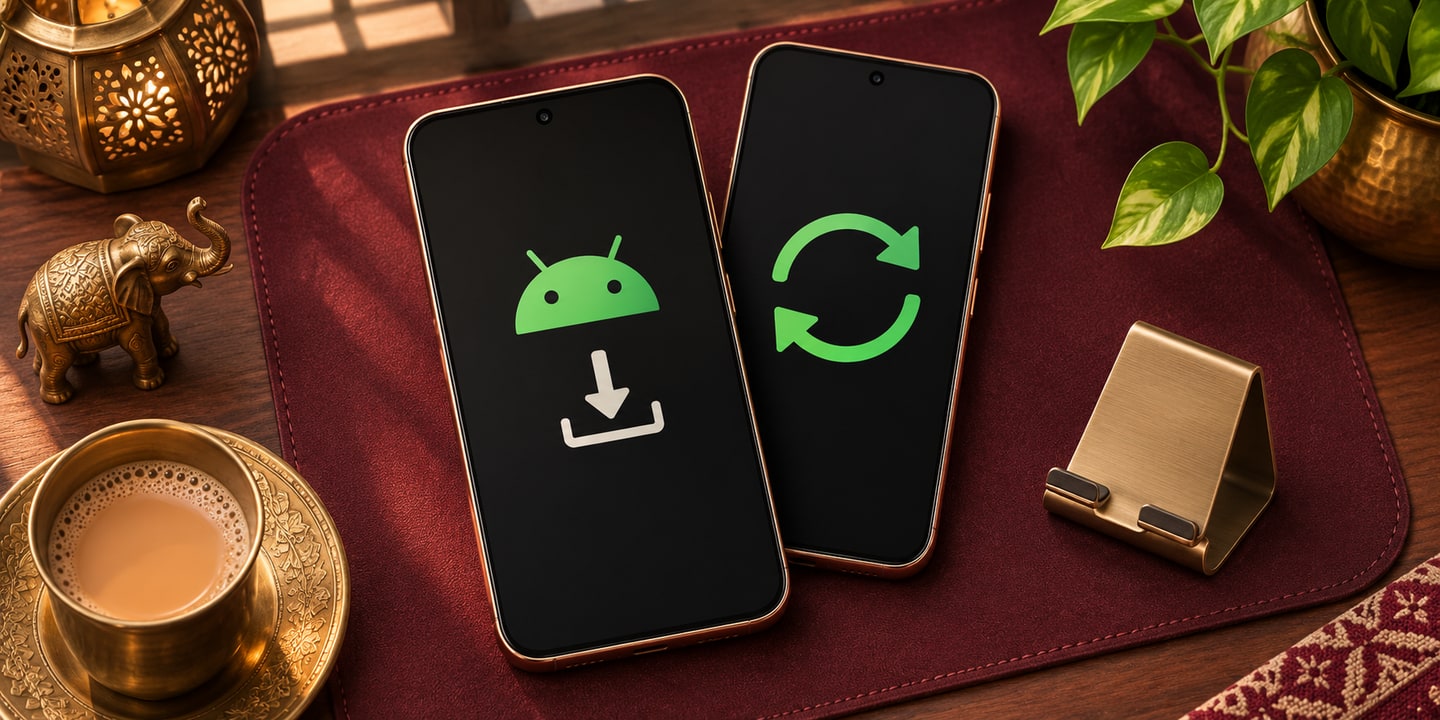
Open the RVIP landing page
Open Log In on your Android phone. Follow the access steps shown on the RVIP landing page, then select Download when it is available. Wait for the file to finish before opening Downloads.
Install or continue to the update
Follow the message displayed by Android. If you already use RVIP, check that you recognise the app and route before changing your installed copy. After the install finishes, open RVIP and sign in with your existing account.
Identify the stage that stopped
If the file is complete but the installer stops, note the exact Android message and your device version. If you opened RVIP successfully but sign-in stopped, use the account recovery guide with the error you see.