
RVIP Login Recovery After Changing Your Mobile Number
Still have your original number? See when to use OTP or SMS, and what to tell RVIP support if your old SIM can no longer receive messages.
- Login
- Account recovery
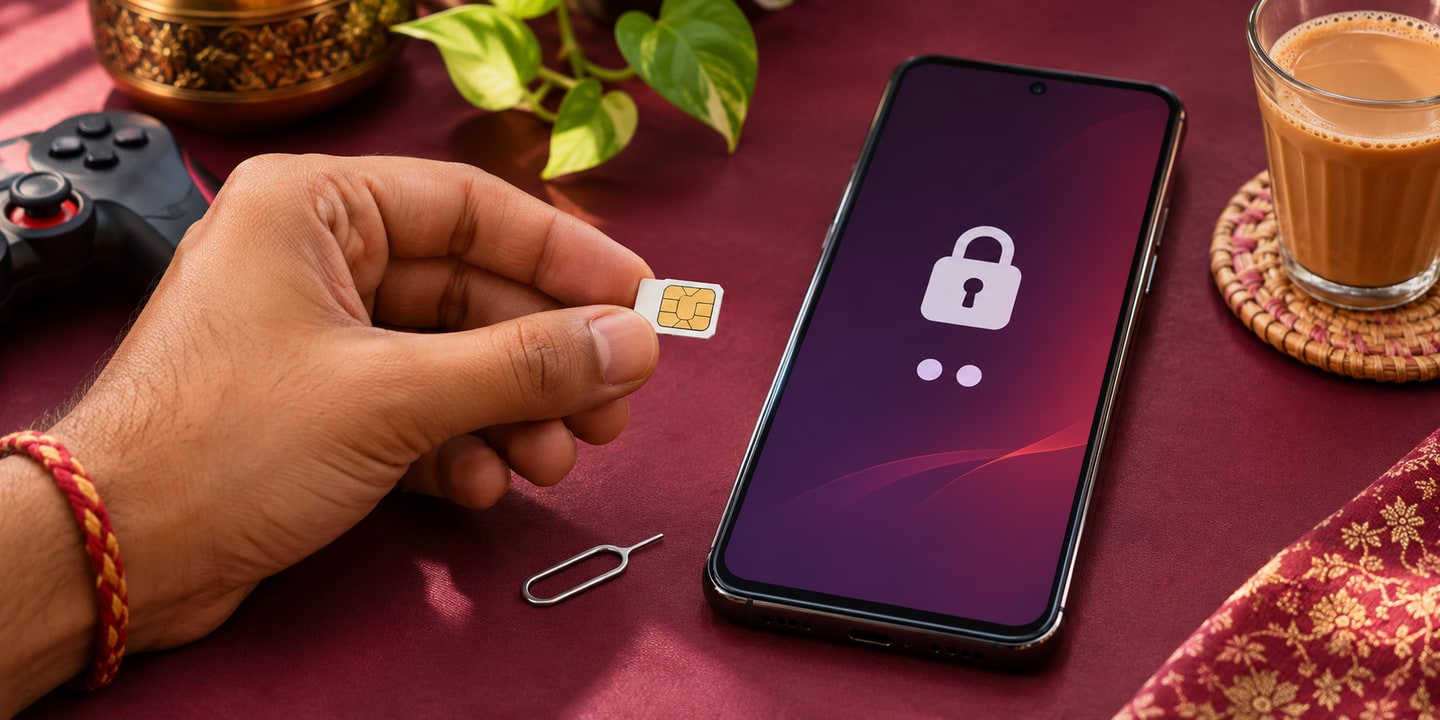
Separate a new phone from a new number
If you still have the original number, install RVIP on the new phone using the download guide. Open the existing-account option and follow the sign-in method on the screen.
If the earlier number is unavailable
Use the recovery screen if your earlier number can still receive the mobile verification code or SMS. If the number is no longer available, use the 24/7 support or message centre to ask about the account.
Keep one account history
If you are trying to reach an existing balance, transaction or reward, use the recovery path for that account first. Make a note of the exact error and avoid entering repeated codes once the app displays a cooldown.